
Crevano · Templates · Worksheet Templates
Worksheet Templates
9 worksheet templates at 8.5 × 11, 300 DPI, designed for the way worksheets are actually produced: photocopied in a rush, in black and white, and written on with a pencil by somebody with large handwriting.
| Trim size | 8.5 × 11 in |
|---|---|
| Bleed | 0.125 in |
| Resolution target | 300 DPI |
| Templates | 9 |
| Pages | 9 |
No templates match that.
Worksheet templates (9)
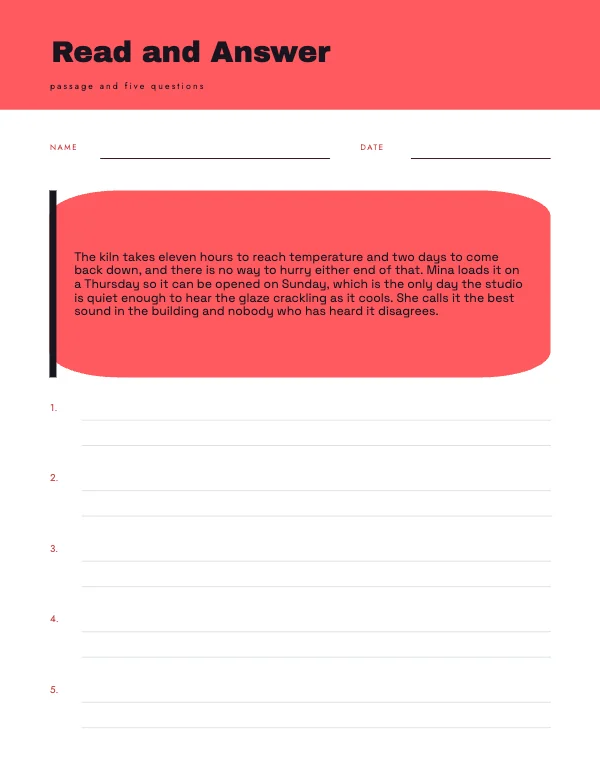 Reading Comprehension WorksheetPro
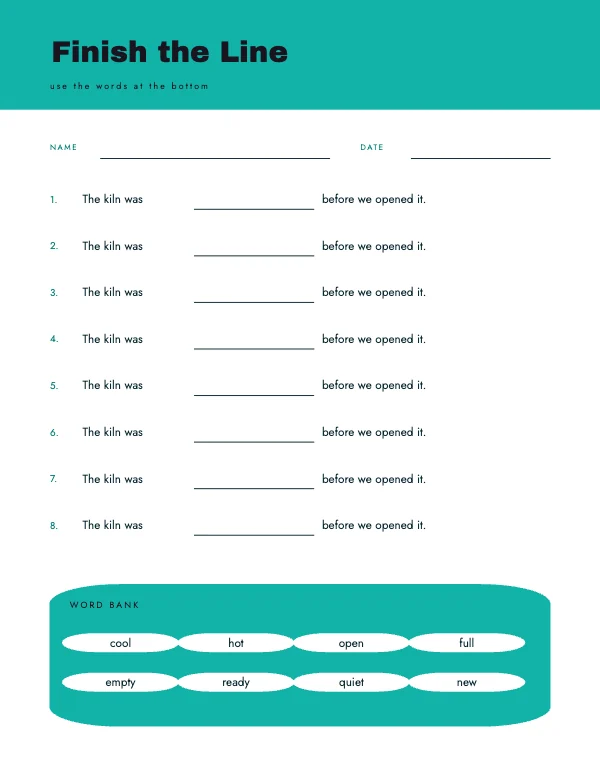 Fill in the Blank Worksheet
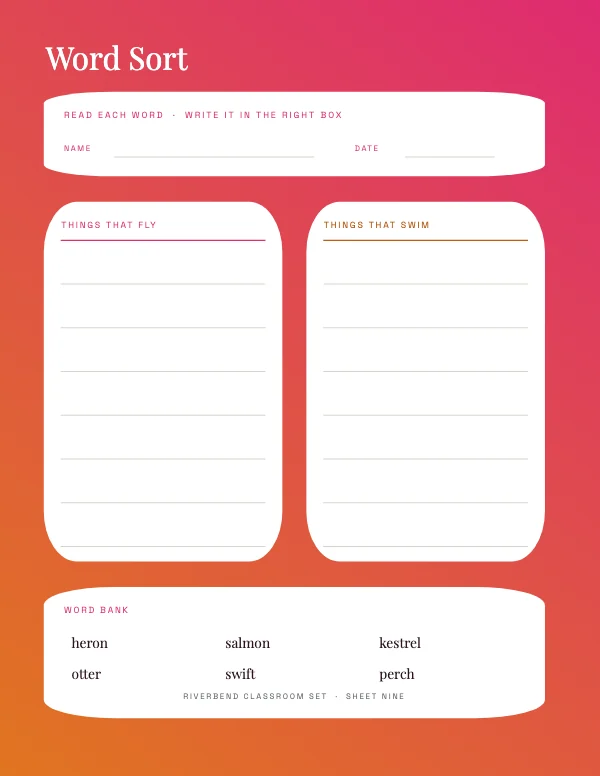 Field Study Worksheet
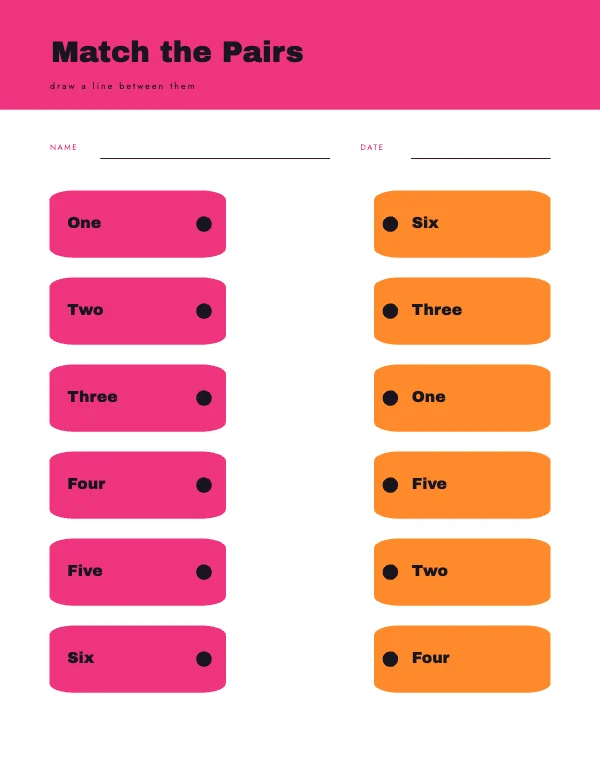 Matching Pairs WorksheetPro
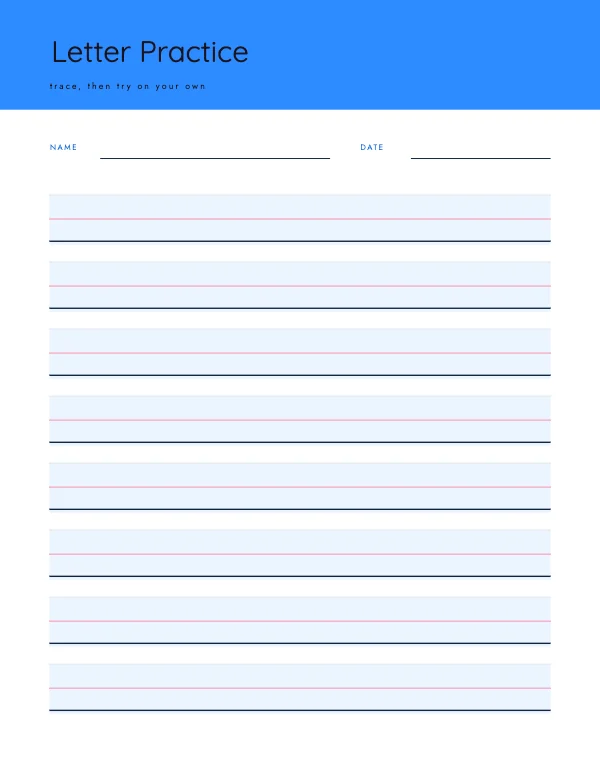 Handwriting Practice Worksheet
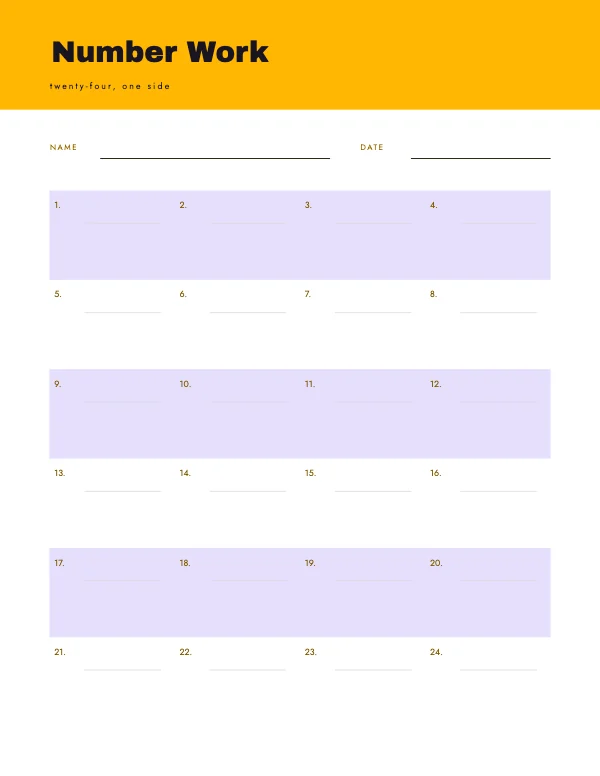 Math Grid WorksheetPro
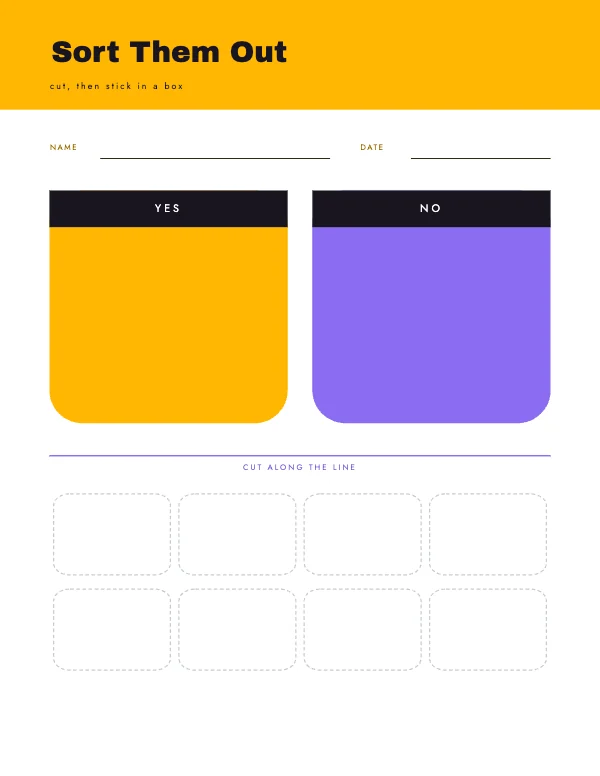 Sorting Boxes WorksheetPro
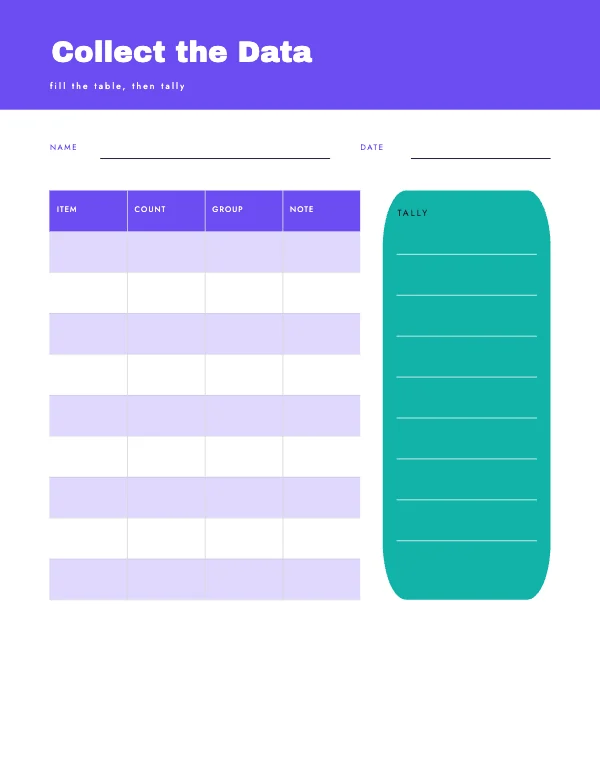 Data Table Worksheet
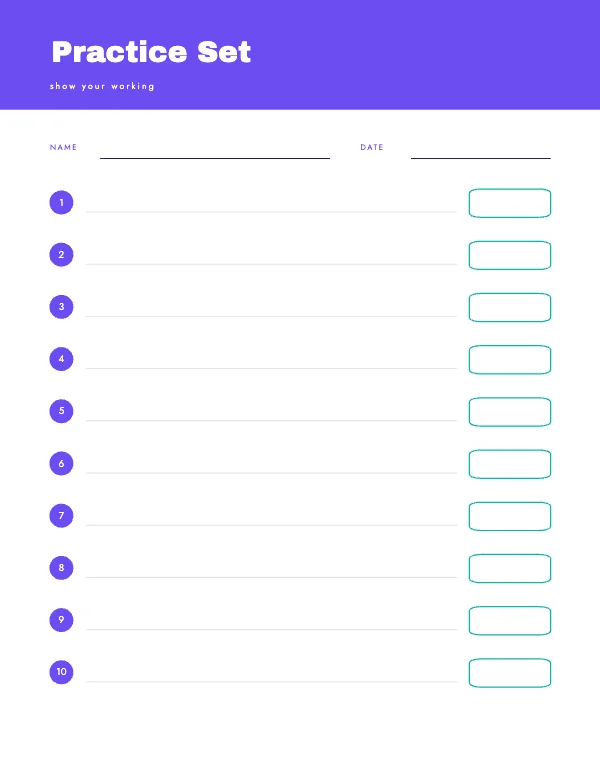 Numbered Questions WorksheetPro
Design for the photocopier, not for the screen
A worksheet is almost never printed the way you exported it. It is copied — often from a copy — on a machine that is low on toner, and every generation of copying raises contrast and loses detail.
That gives four rules, and following them is most of what separates a usable worksheet from a beautiful one that does not survive.
- Pure black on white. No gray text, no colored text, no tinted panels behind text. A 20% gray panel is elegant on screen, muddy at the first copy and solid by the third.
- No photographs unless they are essential, and if they are, use high-contrast line art or a strongly contrasted image. A mid-tone photograph copies as a gray rectangle.
- Rules and boxes at least 0.75 pt. Hairlines drop out entirely on a worn copier.
- No color-dependent instruction. "Circle the red ones" fails the moment somebody copies it, and worksheets are always eventually copied.
Writing space is bigger than adults think
The most common defect in a home-made worksheet is answer lines too small for the child who has to write on them.
Practical floors, for handwriting rather than for type:
| Age | Line spacing | Notes |
|---|---|---|
| Early years (4–6) | 0.5–0.75 in | Often with a dotted midline. Letters are enormous |
| Ages 7–9 | 0.375 in (~9.5 mm) | Standard wide-ruled |
| Ages 10+ and adults | 0.28–0.33 in (~7–8.5 mm) | College-ruled and up |
An answer box for a sentence needs a full line of that height across most of the width, not a small square. A box that is too small does not make a child write smaller; it makes them write outside the box and the sheet look wrong, which is a discouragement the worksheet did not intend.
The name line goes in the same place every time
A small thing with a large effect on a classroom. Name, date and class in the top right, in the same place on every sheet in a set, means a teacher can sort a stack without turning pages over.
Two more conventions worth keeping:
- A number or a title in the footer so a loose sheet can be identified after it has been separated from its pack.
- Nothing in the bottom 0.4 inch. Copiers and printers both lose the very bottom of a page, and the last answer line is exactly where it gets lost.
Margins for a hole punch and a binder
If the worksheets go into a binder, the punch takes the left edge. Leave at least 0.75 inch on the left with nothing in it — no rule, no box, no instruction number — because a punch through the first character of every question is permanent.
If they are stapled in a corner, the top left needs a clear half inch, which is a smaller ask but the same principle.
Questions
What size is a worksheet?
8.5 × 11 inches — a letter sheet, which is what every classroom printer, copier and binder is set up for. A4 is the equivalent elsewhere, and the small difference in height means a US worksheet copied onto A4 loses a little at the bottom.
How wide should handwriting lines be?
About half to three quarters of an inch for ages 4 to 6, three eighths of an inch for ages 7 to 9, and around a third of an inch for ages 10 and up. Adults writing on a form want at least a quarter inch.
Will my worksheet photocopy well?
Only if you designed it in pure black on white with no gray panels, no mid-tone photographs and no hairline rules. Everything else degrades within one or two generations of copying, and worksheets are always copied.
Can I use color on a worksheet?
You can print it in color, but never make an instruction depend on it — "circle the red ones" fails as soon as somebody photocopies the sheet. Design so it works in black and white and treat color as a bonus.
Where should the name line go?
Top right, in the same place on every sheet in the set, so a teacher can sort a stack without turning pages. Put a sheet number or title in the footer so a loose page can be identified later.
What margins does a worksheet need for a binder?
At least three quarters of an inch clear on the left for a hole punch, with nothing in that strip. Keep the bottom 0.4 inch clear too — copiers and printers both lose the very bottom edge, which is where the last answer line usually is.
Can I print worksheets at home?
Yes — they are letter size at 300 DPI, no bleed needed. Print at actual size rather than fit-to-page so the line spacing stays as designed, which matters when children are writing between the rules.
Can I sell worksheets I make from these?
Yes. Anything you make is yours to publish and sell, including as a digital printable or a bound workbook, on the free plan, with no royalty, no credit and no expiry.
Do worksheets need bleed?
No. Worksheets have white margins by definition — the margins are where the punch and the copier's unprintable edge live.
Where to go next
Put together an occasion
Every category
How printing works
Open any of these and it is already the right size. Bleed, margins and trim are set, and there is no watermark on anything you export — on any plan, ever.